Guide · 9 min read
How to appear in Gemini: grounding, Maps, YouTube and entities
Working out how to appear in Gemini starts with one fact: the Gemini app is not a results page. It is an assistant that decides, prompt by prompt, whether to look things up in Google Search, Maps or YouTube, and only some of its answers show sources. This guide covers what Google documents about that process, what Google-Extended changes, and the steps that make your brand easier to find and recommend.

The Gemini app is a different surface from AI Overviews and AI Mode
Google runs three AI answer surfaces. AI Overviews appear on top of a normal results page. AI Mode is a conversational tab inside Google Search. The Gemini app, at gemini.google.com and on mobile, is a standalone assistant used for everything from drafting emails to choosing a supplier.
The first two live inside Search, so Google's Search documentation applies to them directly. We cover them in how to appear in AI Overviews and Google AI Mode. This guide deals with how to appear in Gemini itself and the parts that work differently there.
In Search, people type a query and expect links. In Gemini, they often ask for a recommendation or a comparison, and many answers come back with no visible links.
How Gemini grounds answers with Google Search
Google calls the process grounding: giving the model content from the Google Search index at the moment of the prompt, to make the answer more factual and relevant.
Google does not publish the internal logic of the consumer app. Its developer documentation for Grounding with Google Search, the same capability offered through the Gemini API, describes the general pattern:
- The model reads the prompt and decides whether a search would improve the answer.
- If it would, the model writes one or more search queries itself and runs them.
- It combines the results into an answer and can attach citations that link parts of the text to source URLs.
Two consequences follow. Your page has to be in the Google Search index to be used for grounding. And the model's queries are not the user's words: a question about which CRM suits a ten-person agency may become several narrower searches, and the pages that answer those are the ones used.
When an answer draws on web pages, the Gemini app can show a Sources button below the response or links inline. Google's help center notes that not every response has sources; if there is no button, Gemini did not provide links for that answer.
Google-Extended: what it controls and what it does not
Google-Extended is a product token you can name in robots.txt. It has no crawler or user agent string of its own: Googlebot does the crawling, and the token governs how that content may be used.
According to Google's crawler documentation, Google-Extended controls two things: whether your content may be used to train future Gemini models, and whether it may be used for grounding in Gemini Apps and in Grounding with Google Search on Vertex AI. The same page says it does not affect inclusion in Google Search and is not used as a ranking signal.
- Disallowing Google-Extended keeps you in Google Search, AI Overviews and AI Mode, which rely on Googlebot.
- It also tells Google not to use your pages to ground answers in the Gemini app, which is the surface this guide is about.
- It does not stop Gemini from using what other sites say about you. Reviews, directories and articles that mention your brand remain available.
If your goal is to be recommended in Gemini, a Disallow for Google-Extended works against you. Check your robots.txt for it, including groups added by a plugin or a hosting template. Our robots.txt guide for AI bots explains the common setups and what each one costs.
Google Business Profile and Maps: the local layer
Gemini is not limited to web pages. The Gemini Apps help center says Gemini uses public information from certain Google services, naming Google Maps, YouTube, Google Flights and Google Hotels, and that History must be on for it to use public information from those four. Public information from Google Search is available to it even when History is off.
For a business with a location or a service area, the public Maps data is largely your Google Business Profile: name, category, address, hours, phone, website, photos, attributes and reviews. When someone asks Gemini for a dentist open on Saturdays near them, that kind of structured data is what an assistant can check quickly.
- Choose the primary category that describes what you are, not what you would like to rank for, and add secondary categories only if they are true.
- Keep hours accurate, including holiday hours. Outdated hours are one of the easiest errors for an assistant to repeat.
- Fill in attributes and services. They answer the qualifiers people add to prompts, such as step-free access, parking or online booking.
- Reply to reviews and ask satisfied customers to leave one. Review text describes what you do in customers' words; more in reviews and AI recommendations.
- Use the same name, address and phone number on your site, your profile and the main directories.
Google does not document how Gemini ranks places. The safe assumption is that it uses the same public data people see in Maps, so a complete and consistent profile is the minimum. More in GEO for local businesses.
YouTube as a source
YouTube is the other Google service named in that help article. If your category is one where people watch before they buy, such as software, tools, home renovation, training or health, video can be part of what Gemini draws on.
- Write titles and descriptions that say plainly which question the video answers and which brand or product it is about.
- Upload accurate captions or correct the automatic ones, so the spoken content also exists as text.
- Add chapters to longer videos so specific segments match specific questions.
- Link the channel to your website and keep the brand name identical on both.
We found no Google documentation on how Gemini selects videos, so treat this as making videos easy to understand, not as a ranking method.
Entity signals: the Knowledge Graph
Assistants work better with entities than with loose strings of text. Google's Knowledge Graph is its database of facts about people, places and things. Its knowledge panel help page says those facts come from public sources, licensed data and information sent by content owners, including changes suggested by people who have claimed their panel.
Google does not say that Gemini reads the Knowledge Graph directly. It is still the clearest public sign that Google treats your brand as a distinct entity, and the inputs that build it help any model describe you correctly.
- If your brand has a knowledge panel, claim it and correct errors through the official process. Businesses with a physical location manage that information through Business Profile.
- Add Organization markup with your legal name, logo, URL and sameAs links to your official profiles. See schema markup for AI search.
- Describe what you do the same way everywhere: website, LinkedIn, directories and press bios. Contradictory descriptions blur an entity.
- Earn mentions on independent sites that already cover your category. Brand mentions for AI explains where to start, and Wikipedia and AI search covers when a Wikipedia article is realistic.
How to appear in Gemini: 7 practical steps
- Confirm access. Your key pages must be indexed in Google, and robots.txt must not disallow Googlebot or Google-Extended.
- Map the questions. List the prompts customers would type into Gemini about your category, including comparisons and requests for recommendations. Prompt research shows how.
- Answer them on your site. One page per important question, with the answer in the first paragraph and the details, prices or conditions a model needs to recommend you with confidence.
- Complete your Business Profile if you have a location or service area, and keep it current.
- Make your videos legible on YouTube if your buyers watch before they decide.
- Strengthen the entity: consistent descriptions, Organization markup and a claimed knowledge panel where one exists.
- Get mentioned where Gemini searches. Independent reviews, comparisons and directories that rank for the narrower queries the model writes are often what grounds a recommendation.
None of these steps is a trick. Knowing how to appear in Gemini mostly means doing the fundamentals that every Google surface rewards, without blocking the token that governs Gemini grounding.
How to check whether Gemini mentions you
There is no Gemini equivalent of Search Console. At the time of writing, Search Console includes AI Overviews and AI Mode in its Search performance data, but it has no separate report for the Gemini app.
- Write a fixed list of 20 to 30 questions a real buyer would ask, in their language and with their location where it matters.
- Ask them in Gemini every month from an account with little history, or in a temporary chat if your version offers one, because past conversations and personal context can change answers.
- Record whether you are mentioned, in what position, how you are described and which competitors appear.
- Open the Sources button when it is there and note which pages were used. Those are the pages worth improving or getting featured on.
- Look in analytics for referrals from gemini.google.com, knowing that many answers produce no click.
Repeat the same questions over time. One answer on one day says little, because responses vary between runs. How to measure AI visibility explains how to turn this into a monthly metric, which is the last part of how to appear in Gemini: knowing whether anything changed.
What you cannot control
Google does not publish how the Gemini app decides when to search, which results it uses, or how it weighs Maps and YouTube data against web pages.
Answers are personalised to a degree, vary between runs and differ by country and language. Anyone promising a guaranteed position in Gemini is promising something Google does not offer.
What you can control is the material Gemini finds: indexable pages that answer real questions, a complete profile, legible videos, a coherent entity and independent mentions. That is the work behind any honest plan for how to appear in Gemini.
Where this fits in a GEO plan
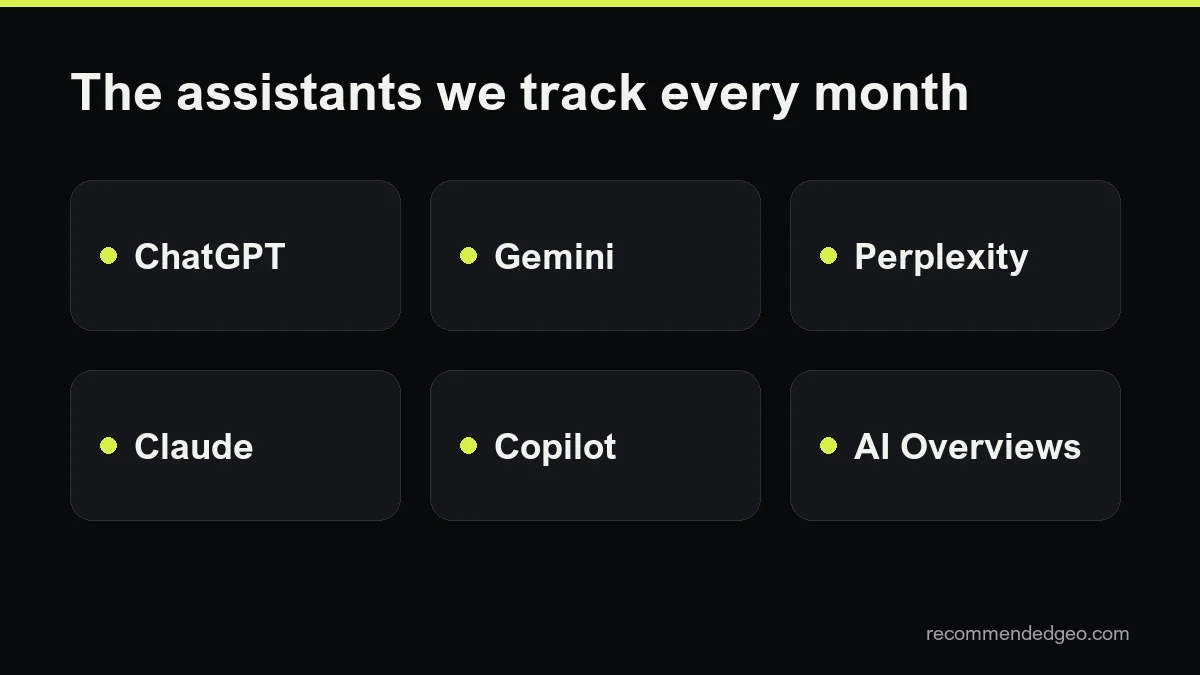
Gemini is one of several assistants your buyers use. The access, content and reputation work above also helps in ChatGPT, Perplexity, Claude and Copilot, which is why we treat it as part of one generative engine optimization plan rather than a separate project.
If you want to know where you stand today, a free GEO audit checks your robots.txt, including Google-Extended, and asks the assistants the questions your customers ask.
Frequently asked questions
Does blocking Google-Extended remove me from Google Search?
No. Google says Google-Extended does not affect inclusion in Google Search and is not a ranking signal. It does govern Gemini training and grounding in Gemini Apps, so blocking it works against being cited in the Gemini app.
Is appearing in AI Overviews the same as appearing in Gemini?
They overlap, but they are not the same. AI Overviews and AI Mode are part of Google Search and rely on Googlebot. The Gemini app is a separate assistant that grounds some answers with Search and also uses public data from Maps and YouTube. Learning how to appear in Gemini adds those layers on top of normal Search eligibility.
Why does Gemini show sources for some answers and not others?
The model decides for each prompt whether to search. Google's help center says that when there is no Sources button, Gemini did not provide links for that response. Answers without sources may rely on what the model learned in training.
How long does it take to start appearing in Gemini?
There is no published timeline. Changes to your site have to be crawled and indexed first, and mentions on other sites take longer to build. We compare the same questions month by month over at least three months before drawing conclusions.