Guide · 10 min read
Technical GEO: what AI assistants need before they can cite you
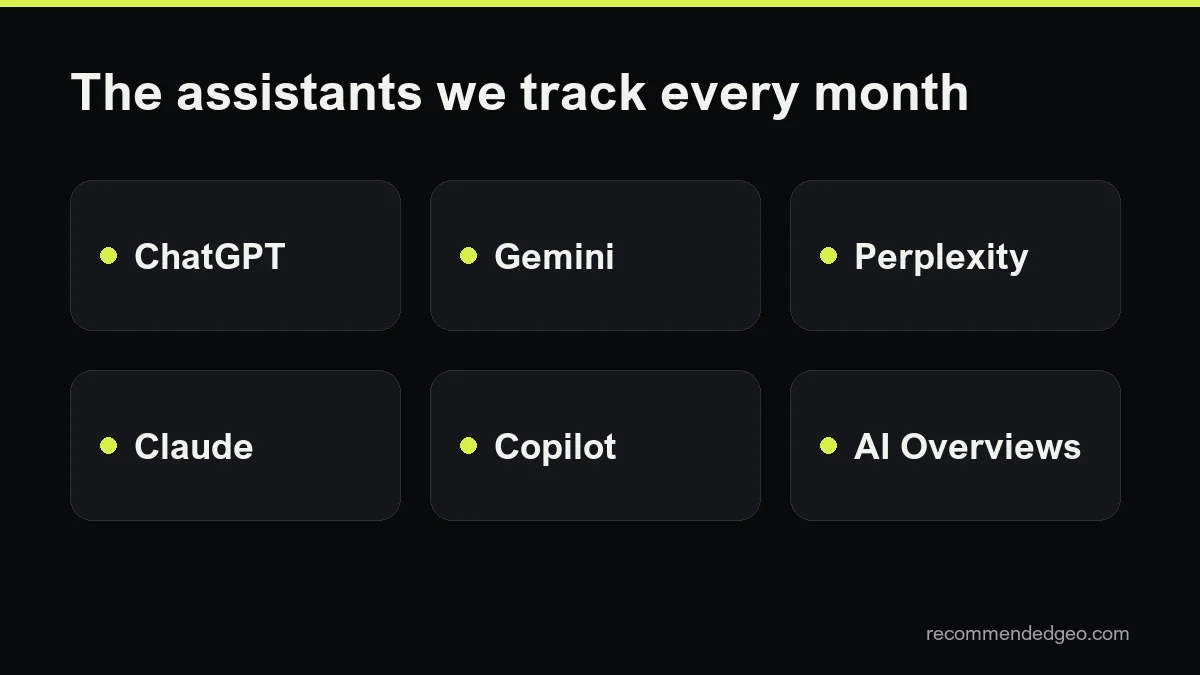
Technical GEO is the groundwork that lets ChatGPT, Gemini, Perplexity, Claude, Copilot and Google AI Overviews read your pages at all. Most of it is familiar from technical SEO, with a few twists that matter more when the reader is a machine quoting you. This guide walks through each layer briefly, links to a deeper guide for each one and ends with a checklist you can run in an afternoon.
What technical GEO covers, and what it does not
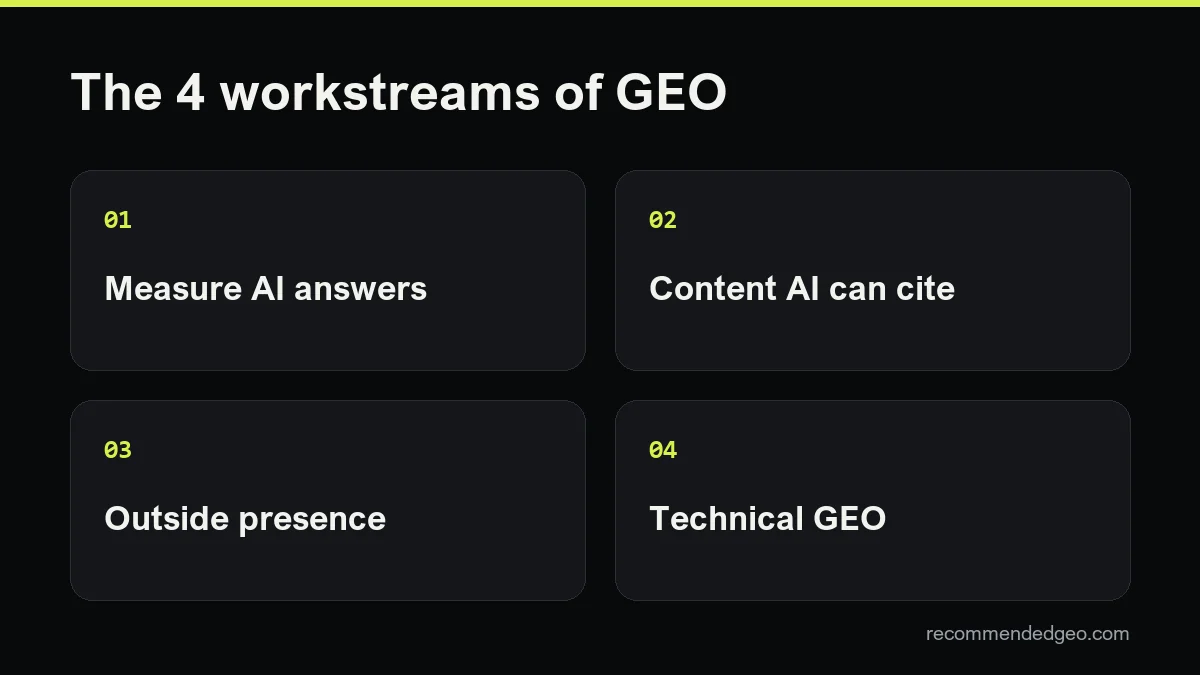
Generative engine optimization has three broad parts: being readable, being worth citing and being mentioned elsewhere. Technical GEO is the first part. It answers one question: can an AI system fetch your page, understand what it is and reuse a clear piece of it?
It does not make a weak page persuasive. A site can pass every check below and still never be recommended, because content and reputation do the rest of the work. What technical problems do is cap your ceiling: if a crawler is blocked or sees an empty page, nothing else you publish there can help.
If you are new to the topic, start with what GEO is and come back here for the plumbing.
Crawler access: robots.txt, CDN and firewall
Every assistant that cites sources needs to fetch pages, either through its own crawler or through a search index it relies on. Access is decided in two places, and both have to agree.
- robots.txt. AI companies run separate bots for training, for search and for user-triggered visits. Blocking the training bot is a legitimate choice; blocking the search bot by accident is how brands vanish from ChatGPT or Perplexity answers. The vendor-by-vendor list and three copy-paste files are in our guide to robots.txt for AI bots.
- CDN, WAF and hosting. Bot protection can answer a crawler with a 403 or a challenge page before robots.txt is even read. Nothing in robots.txt will warn you. Check your CDN's bot and AI crawler settings and your server logs.
Google's own guidance for its AI features makes the same point: allow crawling in robots.txt and in any CDN or hosting infrastructure. Source: AI features and your website.
Indexing in Google and Bing
Two classic indexes still feed a large share of AI answers. Google says a page is eligible to appear as a link in AI Overviews or AI Mode only if it is indexed and eligible to be shown in Search with a snippet. There are no extra technical requirements on top of that, and Google states that indexing is not guaranteed.
Microsoft Copilot grounds its answers on Bing, which many sites neglect. Verify your site in Bing Webmaster Tools as well as Google Search Console. At the time of writing, Bing offers an AI Performance report in preview that shows when your pages are cited in Copilot and Bing's AI summaries, described in the Bing Webmaster blog.
- Use URL inspection in both tools on your most important pages.
- Check that nothing you want cited carries noindex or nosnippet by mistake.
- Watch the excluded and not-indexed lists after every migration or template change.
More on each surface: how to appear in AI Overviews and how to appear in Copilot.
Rendering: HTML first, JavaScript second
Googlebot renders JavaScript with a headless Chromium after crawling. Even so, Google calls server-side or pre-rendering a great idea, partly because, in its words, not all bots can run JavaScript. Source: JavaScript SEO basics.
For technical GEO, assume the worst case: a crawler that reads the raw HTML response and stops there. If your prices, product names, opening hours or main text only appear after scripts run, that crawler sees a shell. The quick test is to view the page source, not the inspector, and search for a sentence from your main content.
How to test each crawler and which rendering setups fix the gap is covered in JavaScript and AI crawlers.
Speed and status codes
Crawlers work with limited time per site. A slow or unstable server gets crawled less, and a page that times out is a page that cannot be quoted. You do not need perfect lab scores, but the HTML of key pages should arrive quickly and reliably.
Status codes tell crawlers what to do with a URL. Google documents the basics, and other crawlers behave in broadly similar ways:
- 200 for pages that exist. A 200 on an empty or error-looking page is flagged as a soft 404.
- 301 or 308 for permanent moves; 302 or 307 only for temporary ones.
- 404 or 410 for pages that are gone. They drop out of the index over time.
- 429 and 5xx signal an overloaded or broken server. Crawling slows down, and if errors persist, indexed URLs are eventually dropped.
- 403 to a crawler you want is almost always a firewall rule, not a content problem.
Long redirect chains, mixed http and https versions and URLs that answer differently with and without a trailing slash all waste crawl time. Fix them once and keep them fixed.
Structured data that matches the page
Schema.org markup in JSON-LD describes what a page is about in a form machines parse easily: an organization, a product with a price, an article with an author and a date. Google says there is no special structured data you need to add for its AI features, and that existing markup should match the visible text.
That sets a sensible rule for technical GEO: mark up what is really on the page, keep it accurate and do not expect markup alone to earn citations. Organization, Product, Article, LocalBusiness and BreadcrumbList cover most sites. Which types matter, and what the evidence says about AI systems reading them, is in schema markup for AI search.
Sitemaps and IndexNow
An XML sitemap lists the canonical URLs you want crawled. Google limits each file to 50,000 URLs or 50 MB uncompressed, ignores the priority and changefreq fields, and uses lastmod only when it is consistently accurate. So keep lastmod honest: change it when the content changes, not on every deploy.
IndexNow is a protocol that lets you notify participating search engines, including Bing, the moment a URL is added, updated or removed. One submission is shared among them. Google is not a participant, so it does not replace your sitemap. Because Copilot depends on Bing, faster Bing updates can matter when prices or facts change. Setup by platform is in our IndexNow guide.
llms.txt: optional, not a foundation
llms.txt is a proposed Markdown file at the root of a site that points language models to its most useful pages. It is cheap to create, and some tools and documentation sites use it.
It is not a requirement. Google states you do not need new machine-readable files or AI text files to appear in its AI features. Treat llms.txt as a small extra after the basics above are working, never as a substitute for them. What to put in it and how to judge whether it is worth your time: llms.txt guide.
Canonical and hreflang on multilingual sites
Multilingual sites add a layer of technical GEO that single-language sites skip. Assistants answer in the user's language, and you want them to cite the version in that language, not your English page translated on the fly.
- Give each language version its own URL and a canonical that points to itself. Pointing every version's canonical to the English page tells search engines the translations are copies.
- Add hreflang annotations in which every version lists itself and all the others. Google may ignore tags that are not returned.
- Use valid codes, such as es, pt-BR or fr-CA, and an x-default for users whose language you do not cover.
- Pick one method, HTML link tags, HTTP headers or the sitemap, and use absolute URLs.
Translate the parts machines read as well: title, meta description, structured data and image alt text.
Page structure for passages
AI systems rarely quote a whole page. They pull a paragraph, a list or a table row that answers part of a question. Your HTML structure decides how cleanly that piece can be lifted.
- One H1, then H2 and H3 headings that describe what follows, ideally phrased the way people ask.
- Sections that make sense on their own, with the answer in the first sentence or two.
- Real lists and tables in HTML, not images of tables or text set by CSS alone.
- Facts in text: prices, dimensions, dates and locations written out, not only shown in pictures or PDFs.
- Visible dates and authors on articles, so freshness and responsibility are clear.
The writing side of this, how to phrase sections so they get quoted, is covered in how to write content AI cites.
A technical GEO checklist
Run this list on your ten most important pages. Each item is a yes or no, and every no has a clear owner.
- robots.txt loads with a 200 and allows the search crawlers of the assistants you care about.
- CDN, WAF and hosting rules return 200, not 403 or challenge pages, to those crawlers. Logs confirm it.
- Key pages are indexed in Google Search Console and Bing Webmaster Tools, with no stray noindex or nosnippet.
- Main content, prices and key facts are present in the raw HTML, without running JavaScript.
- Key pages return 200 quickly; moved pages use single 301s; removed pages return 404 or 410.
- Structured data is valid, matches the visible text and describes your organization and main offers.
- The XML sitemap lists only canonical, indexable URLs, with accurate lastmod dates.
- IndexNow or Bing's submission tools notify changes on time-sensitive pages.
- Each language version has a self-referencing canonical and complete, reciprocal hreflang.
- Pages use descriptive headings, self-contained sections, HTML lists and tables, and facts written as text.
llms.txt is left off on purpose. Add it once all ten are a yes, if you want to.
Where technical GEO stops
Technical GEO is usually the fastest part of the work, because most fixes are one-off. Once the checklist passes, the gains come from content that answers real buyer questions and from mentions on sites assistants trust. To see whether any of it changes what assistants say about you, read how to measure AI visibility.
If you would rather have someone else run the checks, every free GEO audit we do starts with this list.
Frequently asked questions
Is technical GEO different from technical SEO?
Mostly it overlaps. The differences are emphasis: more crawlers to allow, Bing treated as seriously as Google because of Copilot, less trust that bots run JavaScript, and page structure built for quoting passages rather than only for ranking.
Do I need llms.txt for AI search?
No. Google says no special AI text files are needed for its AI features. llms.txt is an optional extra that some tools read; set it up after crawler access, indexing and rendering work.
Does structured data make AI assistants cite me?
Not on its own. Google says no special schema is required for AI Overviews or AI Mode. Accurate markup helps machines understand the page, but citations depend on the content and on your reputation elsewhere.
Why should I care about Bing if my traffic comes from Google?
Because Microsoft Copilot grounds its answers on the Bing index, and Bing Webmaster Tools shows Copilot citations. A site that is poorly indexed in Bing gives up that surface entirely.
How often should I rerun a technical GEO check?
After every redesign, migration, CDN change or new language version, and a quick pass every quarter. Most problems we see come from a change made for another reason.