Guide · 9 min read
How to write content AI cites: 11 rules with examples
ChatGPT, Perplexity, Gemini, Copilot and Google AI Overviews build many answers from passages they pull out of web pages. Writing content AI cites comes down to making those passages easy to find, easy to lift and safe to trust. Here is how the selection works, what the research shows, and 11 rules with before and after examples.
How AI assistants choose the passages they cite
When an assistant searches the web before answering, the process usually looks like this. It turns your question into one or more search queries, retrieves a set of pages, splits them into smaller pieces and picks the pieces that best match what was asked. The language model then writes an answer from those pieces and links some of them as sources.
Google describes a version of this for AI Overviews and AI Mode: both may run several related searches across subtopics, a technique it calls query fan-out, before composing the response. Its guidance on AI features also says there is no special markup or AI text file required; a page needs to be indexed and eligible to show a snippet.
Two consequences matter for writers. First, the unit that competes is the passage, often a paragraph or a list, and not the whole page. Second, a passage that only makes sense after reading the three paragraphs above it is hard to reuse. Content AI cites tends to be built from blocks that answer something on their own.
What the GEO paper actually found
The most cited study on this topic is GEO: Generative Engine Optimization by Aggarwal and colleagues, published at KDD 2024. The authors built a benchmark of 10,000 queries, fed the top five Google results for each query to GPT-3.5-turbo to generate answers, and measured how visible each source was in those answers. They then rewrote the sources with nine methods and compared the results. They also ran a smaller test on Perplexity.ai.
- Adding quotations from credible sources, adding statistics and citing sources performed best. The abstract summarises the gain as up to 40% more visibility than the unmodified text.
- Making the text more fluent or easier to understand also helped, by roughly 15 to 30% according to the paper.
- Keyword stuffing, the classic SEO tactic, did worse than leaving the text alone.
- Lower-ranked sources gained more. Citing sources raised the visibility of the fifth-ranked result by 115%, while the same change lowered the top-ranked result by about 30%.
Read these numbers as what they are: results from a research benchmark built in 2023, with a specific model and a specific way of scoring visibility. They point in a useful direction. For anyone writing content AI cites, the practical reading is simple: support claims with sources, quotes and real data, and write clearly. The numbers are not a forecast of what any commercial assistant will do with your page, and nobody can guarantee a citation.
11 rules for writing content AI cites
The rules below come from how retrieval works, from what the paper measured and from what we see when we track answers for clients every month. Each one includes a before and after example. The examples use made-up businesses and figures; replace them with your own.
Rules 1 to 3: answer first, one idea per passage, define terms
Rule 1. Put the answer in the first one or two sentences under each heading. Context can follow.
Before: "Choosing a payroll provider is a decision many small businesses face, and there are many factors to weigh." After: "For a team of under 20 people, a payroll provider costs between X and Y per employee per month in our 2026 price survey; the main difference between providers is tax filing in several states."
Rule 2. Keep one idea per passage and make it stand on its own. If a paragraph covers pricing and onboarding, split it. A reader, or a model, should understand it without the rest of the page.
Rule 3. Define the terms you use, in a sentence that starts with the term. Before: "This is where it gets interesting for most teams." After: "Query fan-out is when a search system runs several related searches to build one answer." Definitions like that are easy to quote.
Rules 4 to 6: numbers, lists and question headings
Rule 4. Give specific numbers with their source and date. Before: "Most customers see results quickly." After: "In our March 2026 survey of 212 customers, 64% received their first order within 48 hours." Only publish figures you can back up; an invented statistic is worse than none.
Rule 5. Turn comparisons into lists or tables. When you compare plans, tools or options, give each one the same attributes in the same order: price, limit, who it suits. An assistant can lift a row or an item cleanly; it struggles with a comparison spread across five paragraphs.
Rule 6. Write headings as the questions your customers ask. Before: "Our approach". After: "How long does a kitchen renovation take in Chicago?" A heading that matches the question helps retrieval pair your passage with the query.
Rules 7 to 9: names, authorship and first-hand data
Rule 7. Use named entities instead of pronouns. Before: "It integrates with them and they handle the rest." After: "Acme Payroll integrates with QuickBooks and Xero, which handle the accounting." Once a passage is cut out of the page, "it" and "they" point at nothing.
Rule 8. Show who wrote the page and when it was last updated, with a real name, a role and a date. For topics that change, such as prices, regulations or software features, an undated page gives a model no way to tell whether the fact is current.
Rule 9. Add something only you have: your own data, a test you ran, photos of your work, a case with real figures. A summary of what ten other pages already say gives an assistant no reason to pick yours. Original data is also what earns links and mentions from other sites.
Rules 10 and 11: consistent facts and no filler
Rule 10. Keep the same facts everywhere. If your homepage says you were founded in 2015, your About page says 2016 and a directory says 2014, a model has to guess. Check prices, locations, opening hours, founders and service lists across your site, your Google Business Profile, directories and press coverage. Our guide to brand mentions for AI covers the outside sites.
Rule 11. Cut the filler. Remove introductions that restate the title, sentences that would fit any company and adjectives with nothing behind them. Before: "We are a passionate, innovative team dedicated to excellence." After: "We have installed 1,200 heat pumps in Ohio since 2018; the average job takes two days."
What not to spend time on
- Repeating the keyword in every sentence. In the GEO benchmark this lowered visibility.
- Writing a separate version of each page "for AI". Google says AI features use the same index and the same eligibility as normal search.
- Expecting a file to do the work. An llms.txt file can help some tools read your site, but it does not change how your passages are written.
- Blocking the crawlers you want citations from. Check your robots.txt for AI bots before rewriting anything.
Checklist for content AI cites
- The answer to each heading is in its first one or two sentences.
- Each paragraph covers one idea and makes sense on its own.
- Key terms are defined in a sentence that starts with the term.
- Every number has a source and a date, and none is invented.
- Comparisons are lists or tables with the same attributes per item.
- Headings use the words your customers use in their questions.
- Brand, product and place names replace pronouns where a passage could be read alone.
- The page shows an author, a role and a last-updated date.
- There is at least one piece of first-hand data, experience or example.
- Facts match across your site, your profiles and third-party sites.
- No sentence could be pasted onto a competitor's page unchanged.
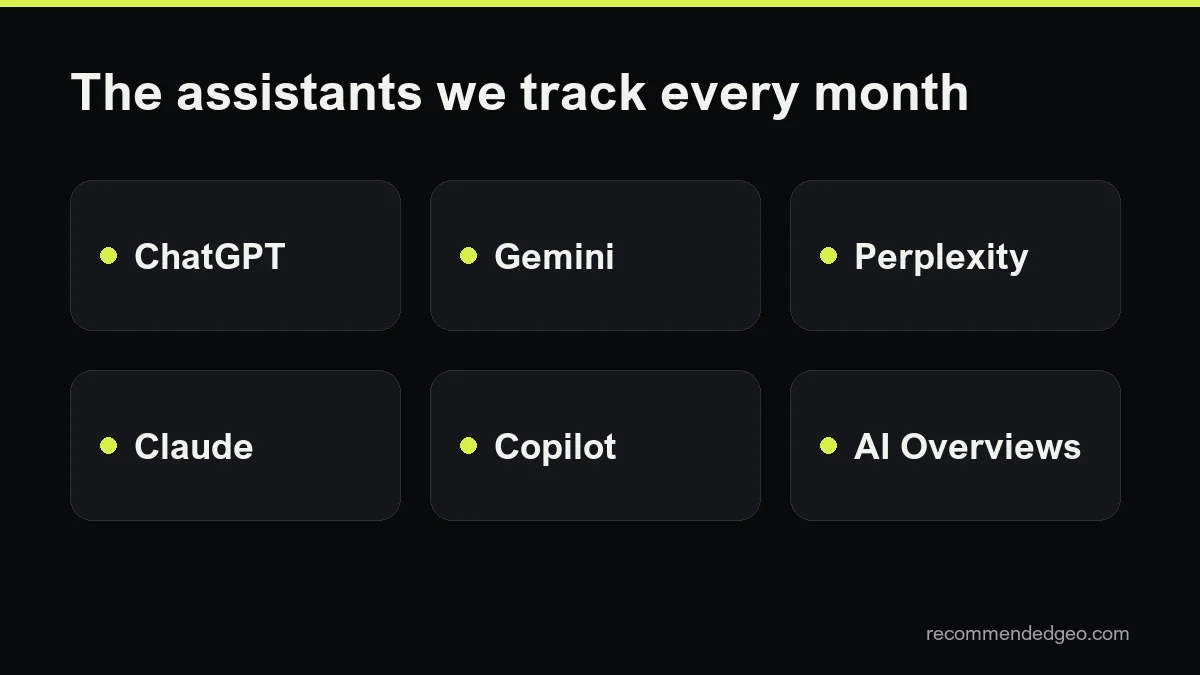
Then measure. Ask the questions your customers ask in each assistant every month and record which sources appear; our guide on how to measure AI visibility explains how. For Google specifically, see how to appear in AI Overviews.
We apply these rules to client pages as part of every RecommendedGEO plan, from $449 a month with a three-month minimum. The background is in our guide to what GEO is, and the AEO agency page explains the answer-focused side of the work.
Frequently asked questions
Does structured data help AI assistants cite my content?
It helps systems understand what a page is about, and Google asks that it match the visible text. It does not replace well-written passages: the answer still has to be in the text that gets retrieved.
How long should a page be to get cited?
There is no target length. What matters is that each section answers one question clearly. A short page with a precise answer can be cited over a long one that buries it.
Should I add statistics to every page because of the GEO paper?
Only real ones with a source and a date. The paper tested adding relevant statistics to existing text; it did not test made-up figures, and publishing them puts your credibility at risk.
Can I rewrite old pages instead of writing new ones?
Yes, and it is often the fastest win. Start with pages that already rank or already answer common customer questions, apply the checklist and update the date when the content really changes.
How do I know if the changes worked?
Track a fixed set of questions in each assistant over several months and compare which sources appear. A free GEO audit is a good starting point if you have no baseline yet.